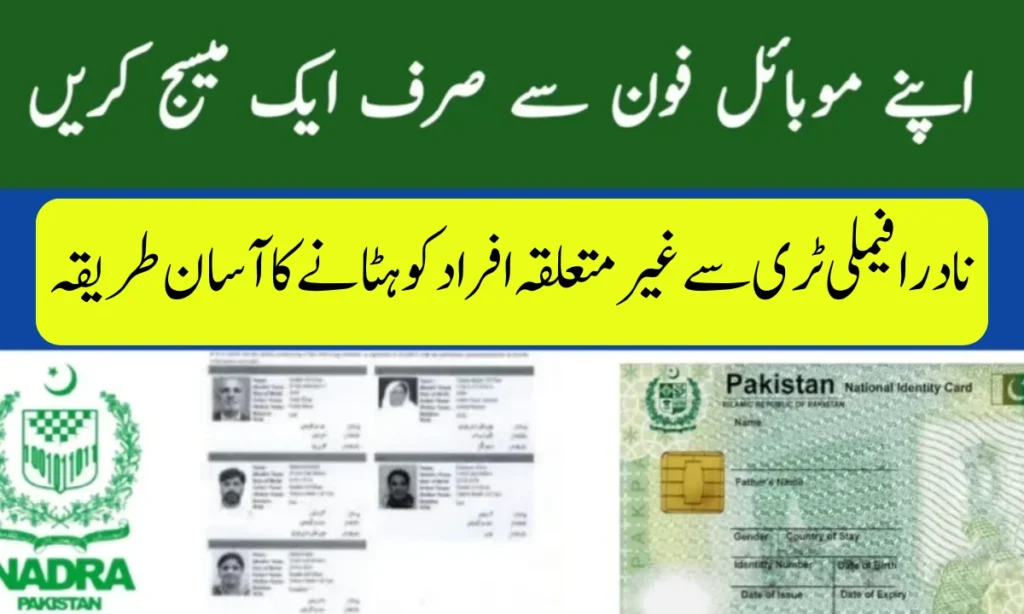
Errors in the NADRA family tree can cause serious issues, from inheritance disputes to CNIC verification problems. Many people discover unrelated names mistakenly added to their records due to clerical mistakes, misuse of identity, or outdated data. Thankfully, NADRA provides a straightforward correction process to remove such entries and ensure your family records remain accurate.
This guide explains why family tree correction is important, the required documents, and the complete step-by-step process to update your NADRA records.
Importance of Correcting NADRA Family Tree
Keeping your NADRA family tree accurate is crucial for several reasons:
-
Secures inheritance rights
-
Prevents misuse of CNICs for fraud
-
Ensures eligibility for government schemes like Ehsaas and BISP
-
Builds a reliable digital identity for you and your family
Step-by-Step Process to Remove Unrelated Individuals
1. Visit the Nearest NADRA Center
Go to your nearest NADRA Registration Center or Mega Center with your original CNIC.
2. Request Family Tree Verification
Ask for Family Registration Certificate (FRC) verification to identify any incorrect or unrelated entries.
3. Submit a Correction Application
Fill out the correction form provided by NADRA and clearly mark the unrelated individuals to be removed.
4. Provide Required Documents
Bring along the following documents for verification:
-
Original CNIC of the applicant
-
CNICs of verified family members
-
Father’s or spouse’s CNIC as proof of relationship
-
Copy of the Family Registration Certificate (if available)
5. Verification and Update
A NADRA officer will review your request, verify the information, and remove the unrelated names from your record.
Key Details for NADRA Family Tree Correction
| Step | Details |
|---|---|
| Where to Apply | NADRA Registration or Mega Centers |
| Required Documents | CNIC, Family CNICs, Proof of Relationship |
| Processing Time | 7–15 working days |
| Fee | Standard correction charges apply |
Conclusion
Correcting errors in your NADRA family tree is vital for protecting your legal rights and digital identity. If you notice unrelated names in your record, do not delay—visit your nearest NADRA center and get them removed promptly. Regular verification of your CNIC and family records helps ensure your data remains secure and accurate.
FAQs – NADRA Family Tree Correction
How can I check my NADRA family tree?
Send your CNIC number via SMS to 8009 to view your registered family tree.
What should I do if I find an unknown person in my family tree?
Visit the nearest NADRA center, request correction, and provide relationship proof.
Can I apply for correction online?
Currently, removal of unrelated names requires in-person verification at a NADRA office.
How long does the correction process take?
It usually takes between 7–15 working days.
Do family members need to be present?
Not always, but providing CNIC copies of family members speeds up verification.
